Slideshow tributes for life's biggest moments
Build a beautiful slideshow for a wedding, birthday, anniversary, retirement, or memorial. Invite your guests to upload their photos, then play it on the big screen at your event.
Why Memories Online
Most of the photos at any event are in your guests' pockets. The professional photographer captures the headline shots; everyone else captures the rest — the surprise reactions, the kids on the dance floor, the look on grandma's face when she sees the room.
Those photos almost never reach the people they're about. They sit in camera rolls, scattered across a hundred phones, and the moment passes. A few people post to Instagram, a few text their favorites, and the rest — usually the best ones — quietly disappear into the digital pile until the phone gets replaced.
Memories Online makes those photos easy to gather. You set up an event, share a code with your guests, and the photos land in one place — playing as a slideshow on the night, and saved as a shared album afterward. Everyone gets to see what everyone else saw.
No app to install, no signup form, no friction at the door. The hosts spend a minute setting it up; the guests spend ten seconds joining. The result is the kind of memory keepsake that used to require a professional videographer plus weeks of editing — built collaboratively, in real time, by the people who were actually there.
Free to start
Create your first slideshow without a credit card. Upgrade later if you want printed photo books or longer storage.
No accounts for guests
Share a code; guests upload from any phone or computer. No app to install, no signup form, no friction.
Your photos stay yours
Slideshows are private by default. We never sell photos and never embed third-party trackers in the slideshow itself.
Everything you need for the big day

Upload from anywhere
Drag and drop photos on a laptop, or have guests upload from their phones — whichever they have on them.

Share with one link
A QR code and a short URL get your whole family contributing in seconds. Print the code on the invitation or send it by text.

Beautiful slideshow
Smooth crossfades, gentle Ken Burns motion, and theme presets that fit each kind of event.

Music with Spotify
Pair any Spotify playlist with the slideshow on the day of, no editing or upload needed.
Plays on any TV
Apple TV, Chromecast, Roku, Fire TV, smart TV browsers, or just an HDMI cable — every common path is documented.
Live updates during the event
Photos guests upload while the party is happening appear in the slideshow rotation automatically.
Memorial-ready tone
A dignified preset for celebrations of life, with quieter pacing and an unobtrusive contribution flow.
Private by default
Slideshows are only visible to people with the share code. No public listings, no third-party trackers, no ads.

Real moments, beautifully shared
From the everyday to the once-in-a-lifetime.
For every kind of moment

Wedding
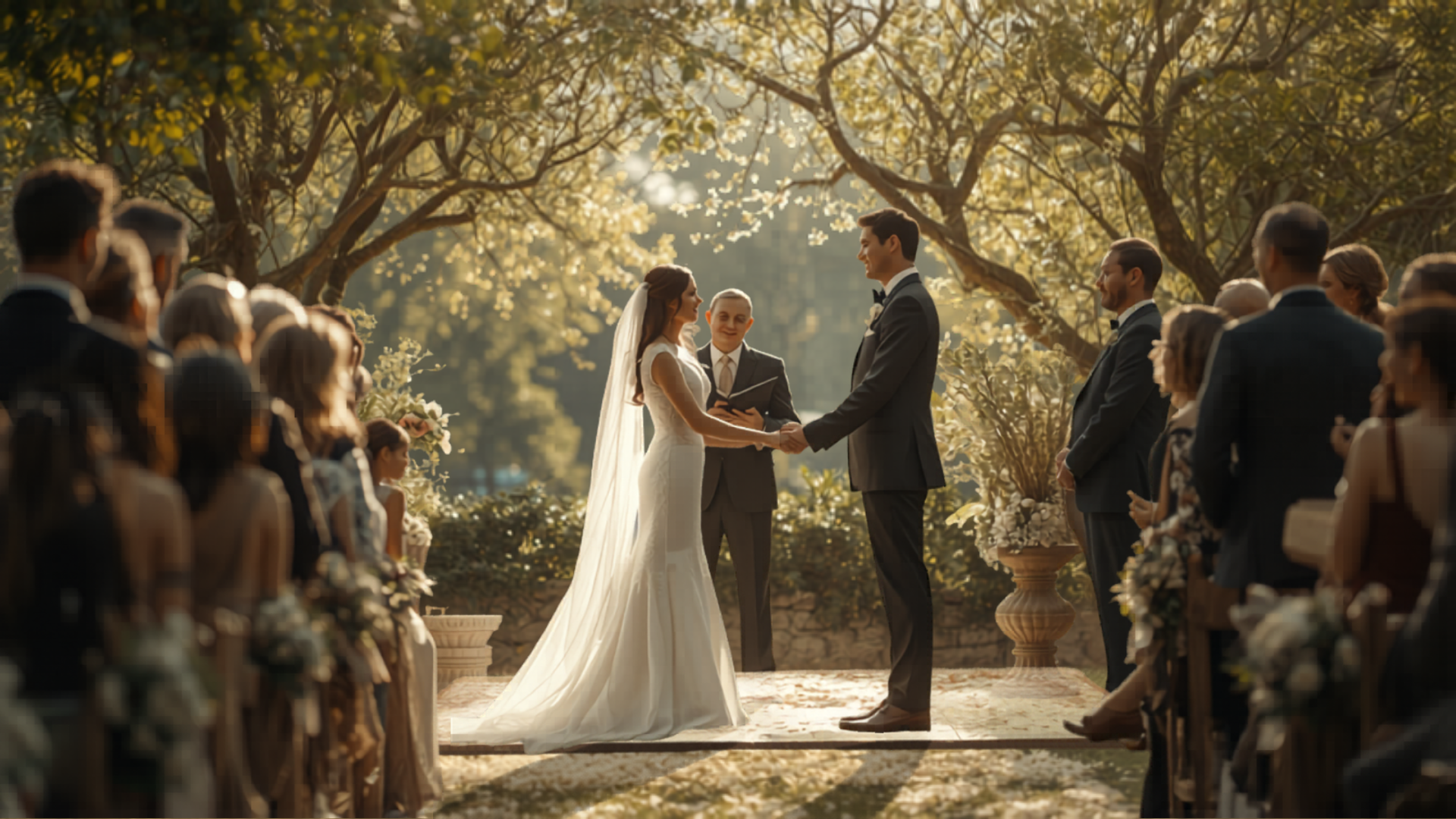
Photos from the rehearsal dinner, ceremony, and reception live in one playlist your whole party can add to. The slideshow can run on a screen during cocktail hour, dinner, and dancing — and grows in real time as guests upload throughout the night. Pair it with a Spotify playlist that matches the vibe and you have a self-running visual scrapbook your guests are part of.

Birthdays, anniversaries, retirements
Every milestone deserves its slideshow. Family scattered across the country can still contribute — send the share code by text, ask everyone for their five favorite shots, and the slideshow assembles itself. Works for graduations, baby showers, engagement parties, and rehearsal dinners too. Especially good for milestone birthdays where you want decades of photos in one place: kids who grew up, friends from college, coworkers from three jobs ago all dropping their favorite memory of the guest of honor.
Also for: anniversaries, retirements.
Celebration of life
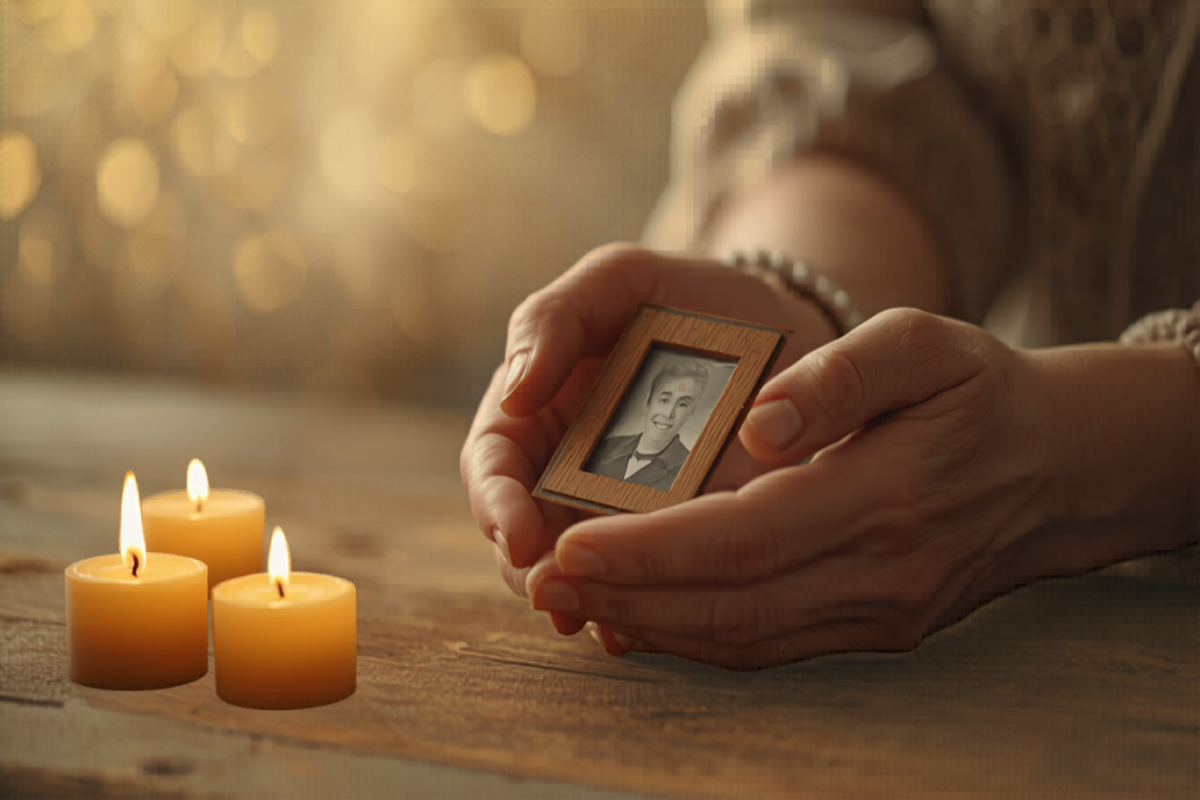
A dignified, gentle slideshow that helps families honor a loved one. Soft transitions, quiet music, and an open invitation for everyone — local family, distant cousins, lifelong friends — to contribute their favorite memories. The slideshow can play during the service or at a reception afterward, and stays available as a shared album for the family long after the day. Especially valuable when relatives are scattered geographically; everyone gets to add a photo and a memory from wherever they are, and the result becomes a keepsake the family can return to for years.
How it works
- 1
Create your slideshow
Sign up in under a minute, name your event, and pick a theme that matches the tone — bright and playful for a birthday, soft and warm for a memorial. You can change the theme any time before the event starts. Each slideshow gets its own private page that only people with the share code can reach.
- 2
Invite your guests
Share the unique code by text, email, on the invitation, or as a QR code printed at the event. Guests open the link, type their name, and start uploading photos and short videos straight from their phone. They never install an app, and they never have to make an account. Older relatives without smartphones can email a few photos to you and you upload on their behalf in seconds.
- 3
Play it at your event
Open the slideshow on a laptop, phone, or smart TV browser, hit play, and let it run. New photos guests upload during the event slide into the rotation automatically — so the room sees itself reflected back as the night unfolds. The Help page has setup steps for Apple TV, Chromecast, Roku, Fire TV, and HDMI; the universal "just plug a laptop in" path always works.
Memories Online vs. other approaches
Most tools either edit a slideshow video for you or collect guest photos in a folder. Memories Online does both — and plays the result at the event.
| Feature | Memories Online | Generic slideshow makers | Guest-upload-only platforms |
|---|---|---|---|
| Live guest photo collection | Yes | No | Yes |
| Plays at the event | Yes | Yes | No |
| Built for memorials | Yes | Sometimes | No |
| Free to start | Yes | Trial only | Trial only |
| Plays on any TV | Yes | Export then load | No |
Free to start
Memories Online is free for your first slideshow, with no credit card needed. You only pay if you want extras like a printed photo book at the end. We don't have a free trial that turns into a charge; we have a free product that stays free.
We partner with Shutterfly so you can turn the slideshow into a printed book without leaving the app. We earn a small commission if you order one — that keeps the slideshow itself free for everyone, including the families using it for memorial services. We tell you when an offer is an affiliate; we never bury the disclosure.
No ads inside the slideshow itself. No upsell screen for guests. No third-party trackers in the live event view. Once the night is yours, it's yours.
Hi, I'm Trevor
I built Memories Online because I kept watching beautiful events end with a folder of professional photos and nothing else. The hundred guests with phones in their pockets had taken thousands of photos that nobody ever saw. The bride and groom got the wedding album six weeks later; the rest of the night vanished.
Asking everyone to text or email their photos doesn't work. Asking them to install an app doesn't work either — guests have a hundred better things to do at a party than learn new software. So I built something where guests just type a code and upload. No friction, no account, nothing to download. The whole interaction is shorter than getting a drink at the bar.
The slideshow plays on any TV at the event, and grows as the night goes on. People notice photos of themselves appearing on the screen, laugh, point them out to whoever they're standing next to, and pull out their phone to add more. The room sees itself reflected back. Afterward you keep the album as a permanent shared record — every angle the night had, contributed by everyone who was there.
That's the whole product. If you try it for your event and it falls short, email me directly — contact@we-make-memories.com — I read every message.
Frequently asked questions
Ready to make memories?
Build a slideshow your guests help fill, or just collect everyone's photos in one place. Free to start, no credit card required, no app for your guests to install.