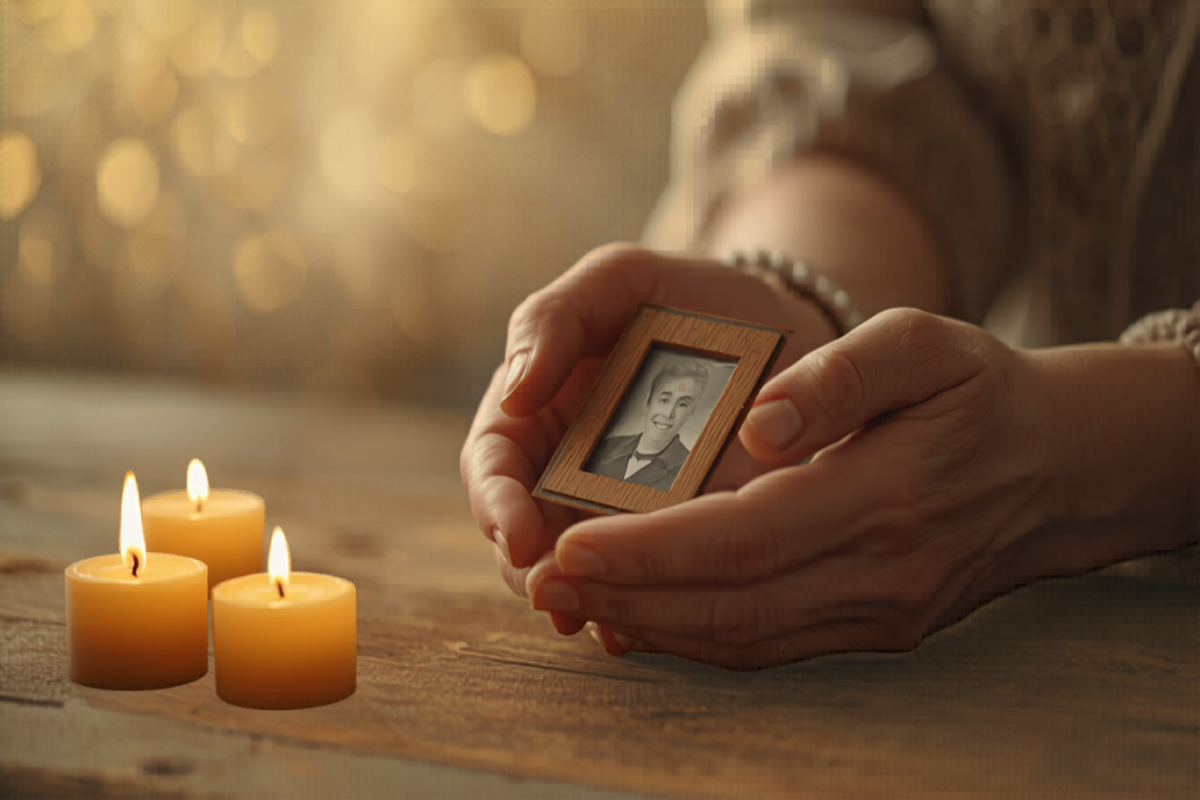
A slideshow to honor a loved one
A dignified, gentle way to gather photos and shared memories from family and friends. The slideshow can play during the service or at a reception afterward, and stays available as a private shared album for the family to return to.
A way to honor the people who shaped a life
When a family loses someone, the photos that matter most are scattered across the people who knew them. A grandchild has the photo from their last visit. A college roommate has a picture from a trip taken decades ago. A coworker has a candid from the office holiday party. A sibling has the family photographs from the years before anyone else in the room was born. Each of those images holds a part of the life being honored, and almost none of them are gathered in one place when the family needs them most.
Memories Online was built so families can gather those photos without asking anyone to navigate a hard-to-use system in a hard moment. A family member sets up the slideshow event a week or two before the service. The share code goes out to relatives, close friends, and the people who knew the loved one across different chapters of their life. Photos and short remembrances arrive over the following days from across the country. By the time of the service, the slideshow contains an unhurried portrait of the life being honored, contributed by the people who lived it alongside.
The slideshow can play during the service itself, behind a piece of music or during a reflection segment of the order of service. It can also play at a reception afterward, where guests gather in smaller conversations and the photos provide a quiet focal point. The pacing is slower than for any other kind of slideshow we build — eight to ten seconds per photo with gentle crossfades — so the room has time to take in each image.
Afterward, the album remains. Family members can return to the slideshow on a quiet Sunday or on the anniversary of the loss. Relatives who could not attend the service can watch from home. New photos and memories can be added in the weeks and months that follow as people find pictures they had forgotten. The slideshow becomes a place the family keeps, not a thing that ends with the day.
The other detail that matters in this kind of slideshow is the absence of friction. Older relatives — often the people closest to the loved one and most affected by the loss — should not have to sign up for an account or download an app to participate. The share-code flow was designed precisely to remove those barriers. A short URL, a six-character code, and a phone’s camera roll are everything anyone needs. Most older family members can complete an upload in under a minute, often with a phone call from a grandchild walking them through it. That call itself, more than the technical step it accomplishes, often becomes part of the family’s memory of the week.
Privacy is also part of the design. Memorial slideshows are private by default — only people with the share code can see them, and there are no public listings, no social-media auto-posts, and no third-party trackers in the playback view. The family decides who has access, for how long, and what happens to the album after the service. Nothing about the slideshow is shared more widely than the family chooses.
How it works
- 1
Create your slideshow
A family member or close friend sets up the slideshow event one to two weeks before the service. The setup takes a few minutes; pick the memorial theme, which uses softer pacing, gentle blue accents, and unobtrusive transitions designed for the moment.
- 2
Invite your guests
Share the code with relatives and close friends, ideally with a short note explaining what the slideshow is for. Older family members may need a phone call from a younger relative to walk them through uploading; most are willing to contribute when someone helps them through the steps. Photos and short voice memories arrive in the days that follow.
- 3
Play it at your event
At the service or reception, open the slideshow on the AV system the funeral home or church provides — usually a laptop connected to a screen with an HDMI cable. The slideshow loops gently through the gathered photos. Afterward, the album remains as a private shared keepsake the family can return to whenever they want.
Features designed for the moment
Quiet pacing
Photos transition slowly with gentle crossfades. The pacing is unhurried, sized for reflection rather than entertainment.
Remote family contribution
Relatives and friends across the country contribute photos and memories through one share code. Distance does not stop participation.
Voice and video memories
Family members can upload short recorded memories alongside photos. A sibling who could not travel can still be present in the slideshow through a 30-second voice recording.
Plays during the service
The slideshow runs in any web browser and works with most funeral-home and church AV systems. A laptop and an HDMI cable cover the common setup.
Permanent shared album
Every contribution stays in a private album that the family can revisit any time. The album becomes a place to return to on quiet days.
Dignified visual treatment
Soft typography, gentle color tones, and unobtrusive interface. The slideshow stays out of the way so the photos carry the moment.
Where the slideshow plays
During the service
A slideshow during the service offers something a written eulogy cannot — the visual arc of a life. Photos of the loved one as a child, as a young adult, with their family, in their working years, surrounded by the people who knew them. Played behind a piece of music or during a reflection segment of the order of service, the images give the room something to hold while words are scarce. The pacing is slower than for any other occasion; each photo deserves the time to be seen.
At the reception afterward
After the service, families often gather at a reception or a meal. The slideshow loops continuously through the gathering, providing a focal point for conversation and a way for guests to share specific memories. People drift over to the screen, point at a photo, and tell a story to whoever is standing nearby. The room becomes a series of small remembrances, anchored by the photos in the rotation.
In the weeks afterward
The slideshow does not end with the service. The shared album stays available for the family to revisit, add to, and return to. Many families upload more photos in the weeks afterward as relatives find pictures they had forgotten or decide to share something they had not been ready for on the day. The album grows quietly over time, and becomes a record the family keeps coming back to.
Practical guidance for families
Reach out to relatives in advance
Send the share code to family and close friends a week or two before the service. Include a brief, gentle note explaining how to upload — most older relatives are unfamiliar with the flow but want to contribute, and a phone call from a younger family member is often the kindest way to walk them through it.
Coordinate with the funeral home or officiant
Ask the funeral home or officiant about their AV setup. Most rooms have a screen and a projector or TV; they typically just need a laptop with the slideshow open and an HDMI cable. Confirm the technical details a day or two before the service so nothing is rushed on the day itself.
Choose one piece of music for the slideshow
Rather than a playlist, many families choose a single piece of instrumental or hymn music to play for the full slideshow length. The continuity of one piece of music suits the contemplative pacing better than a sequence of changing tracks.
Celebration-of-life slideshow questions
For other family gatherings
The same flow Memories Online uses for memorial slideshows also supports family gatherings of other kinds. A wedding slideshow for the day a family begins. An anniversary slideshow for the years that follow. A retirement slideshow for the close of a working life.
Begin your memorial slideshow
Free to start. The setup takes a few minutes; the share code can be sent to family and close friends the same day.
Get started